

“James Sterling”
David WarrenBlog Details
Understanding Lossless Audio: FLAC vs ALAC Explained
The Fundamentals of Pure Sound
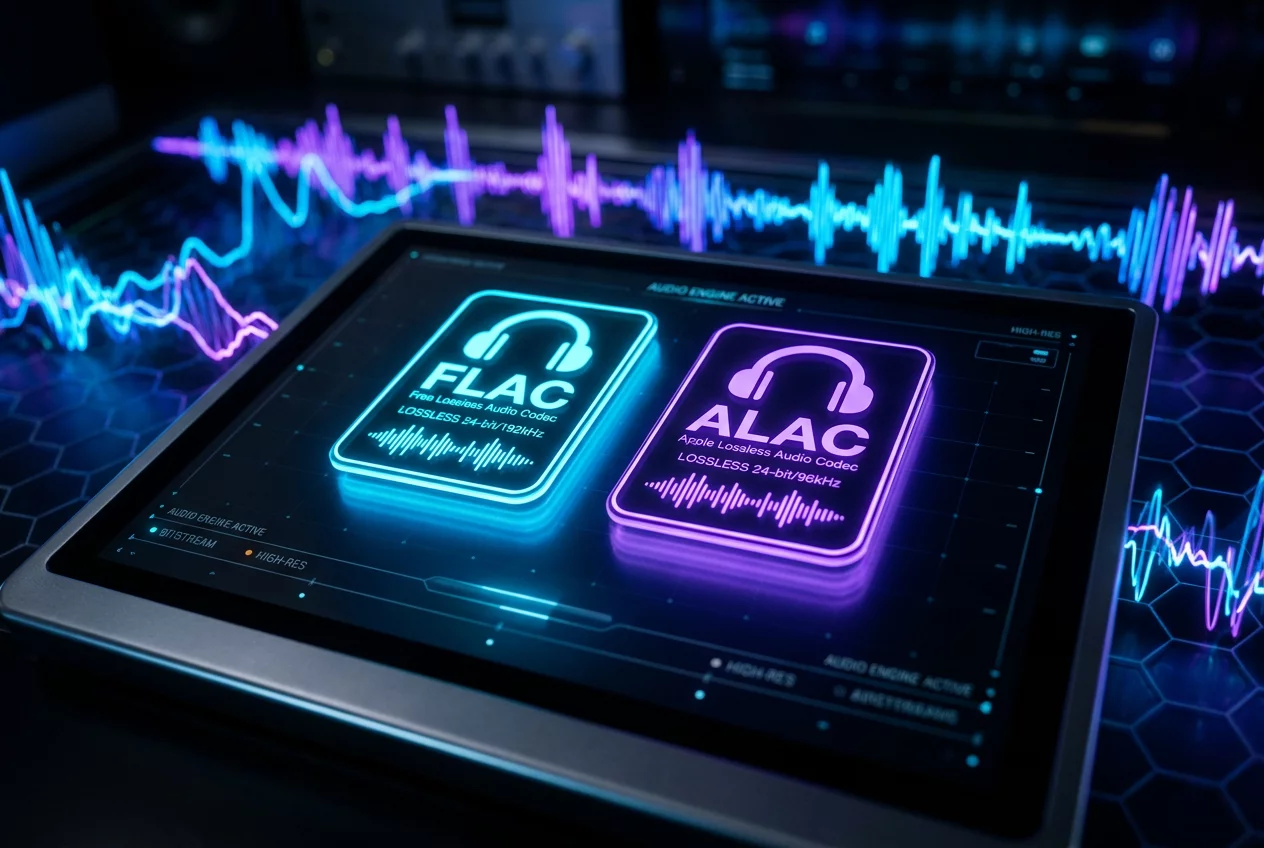
Digital music relies on compression to make files manageable for storage and streaming. While many listeners are familiar with lossy formats like MP3, audiophiles often seek the uncompromising quality of lossless audio. This category ensures that every single bit of data from the original studio recording remains intact. Two formats dominate this landscape: FLAC and ALAC. Understanding the technical nuances between them helps in choosing the right storage strategy for a high-fidelity library.
What is FLAC?
FLAC stands for Free Lossless Audio Codec. It is an open-source format that has become the industry standard for high-resolution audio. Developers around the world contribute to its maintenance, ensuring it remains free from licensing fees. This transparency leads to widespread support across various hardware devices and software players. FLAC files typically reduce the size of uncompressed CD data by about 50% to 60% without losing any musical information. The algorithm works similarly to a ZIP file but is specifically optimized for audio waveforms.
The Apple Alternative: ALAC
ALAC represents the Apple Lossless Audio Codec. Apple developed this format to provide a lossless experience within its own ecosystem. While it was originally proprietary, the company made it open-source in 2011. ALAC uses a different container, typically ending in .m4a, which is the same extension used by lossy AAC files. This can sometimes cause confusion for users, but the internal data structure is strictly lossless. It serves as the primary choice for users who rely heavily on Apple hardware or software management tools.
Comparing Performance and Compatibility
Sound quality remains identical between these two formats. Since both are lossless, they reconstruct the original PCM data perfectly upon playback. The differences lie in metadata handling and device support. FLAC offers robust tagging capabilities and is compatible with almost every modern network streamer, high-end DAP, and software player like Turnexedic. ALAC shines when integrated into specific ecosystems where FLAC might not be natively supported without third-party plugins. Choosing between them often depends on the playback hardware sitting on the shelf.
Storage and Processing Efficiency
Compression levels vary slightly between the two. FLAC allows users to choose from several compression levels (0 to 8). Higher levels require more CPU power during the encoding process but result in smaller file sizes. ALAC does not offer this granularity, providing a standard compression ratio that is generally comparable to FLAC level 5. Modern processors handle the decoding of both formats with ease, meaning battery life on portable devices is rarely impacted by the choice of codec. Focus on the ecosystem requirements rather than worrying about storage differences.
Managing Your Lossless Library
Organize the collection using a consistent naming convention. Use high-quality software to rip physical CDs into these formats to ensure no read errors occur. Verify the integrity of the files using checksums, a feature natively supported by the FLAC format. Store the library on a dedicated drive or NAS to maintain quick access from multiple points in the home. Keep backups in separate locations to protect the investment in high-quality sound. Experience the full depth of the music by selecting the format that fits the existing hardware best.
Leave a reply
Your email address will not be published. Required fields are marked *

2 Comments
Morgan Bryant
I switched all my files to FLAC years ago and never looked back. The tagging is just so much better.
Dominick Stone
True, but if you live in the Apple ecosystem, ALAC is a lifesaver for native support.